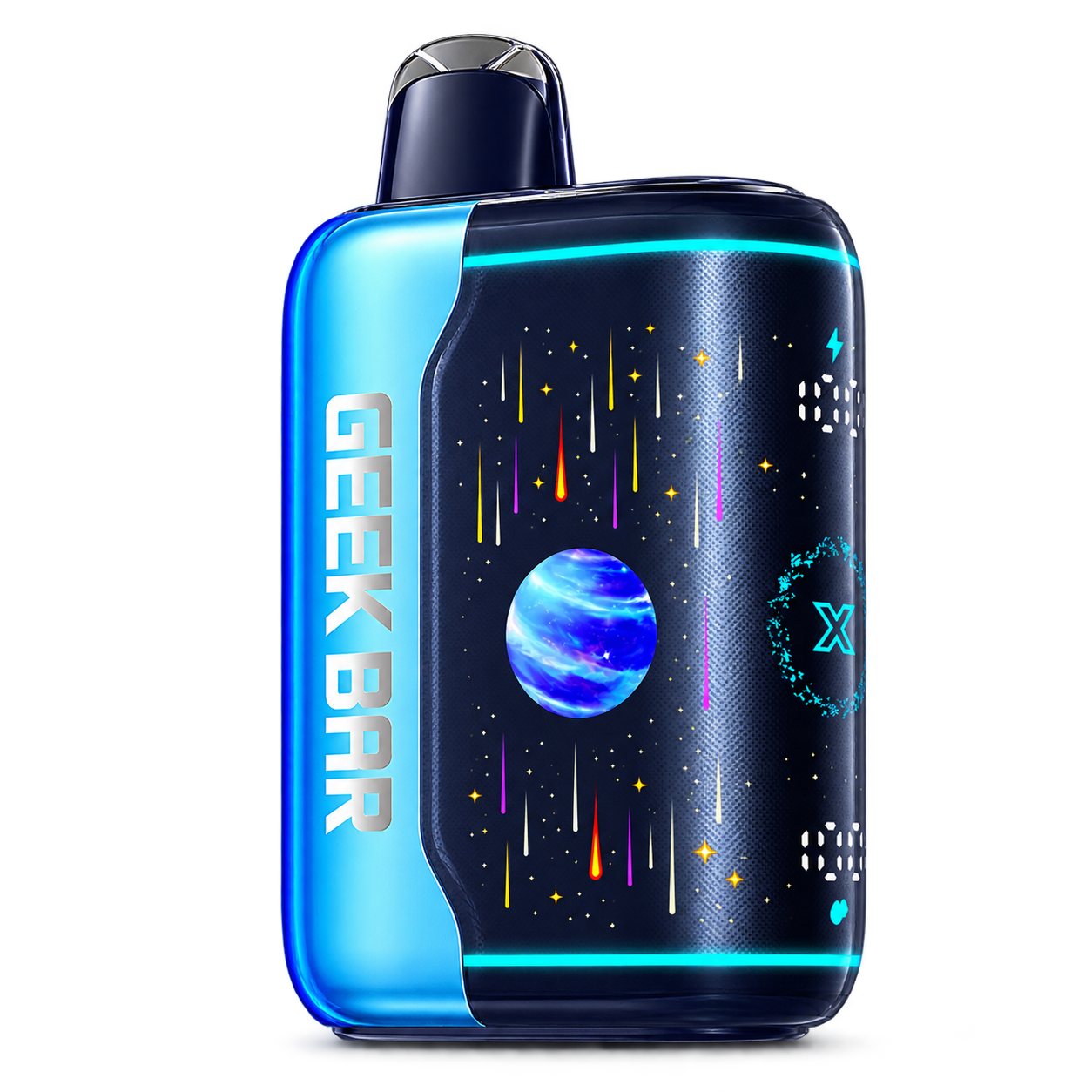
 PULSE X 2
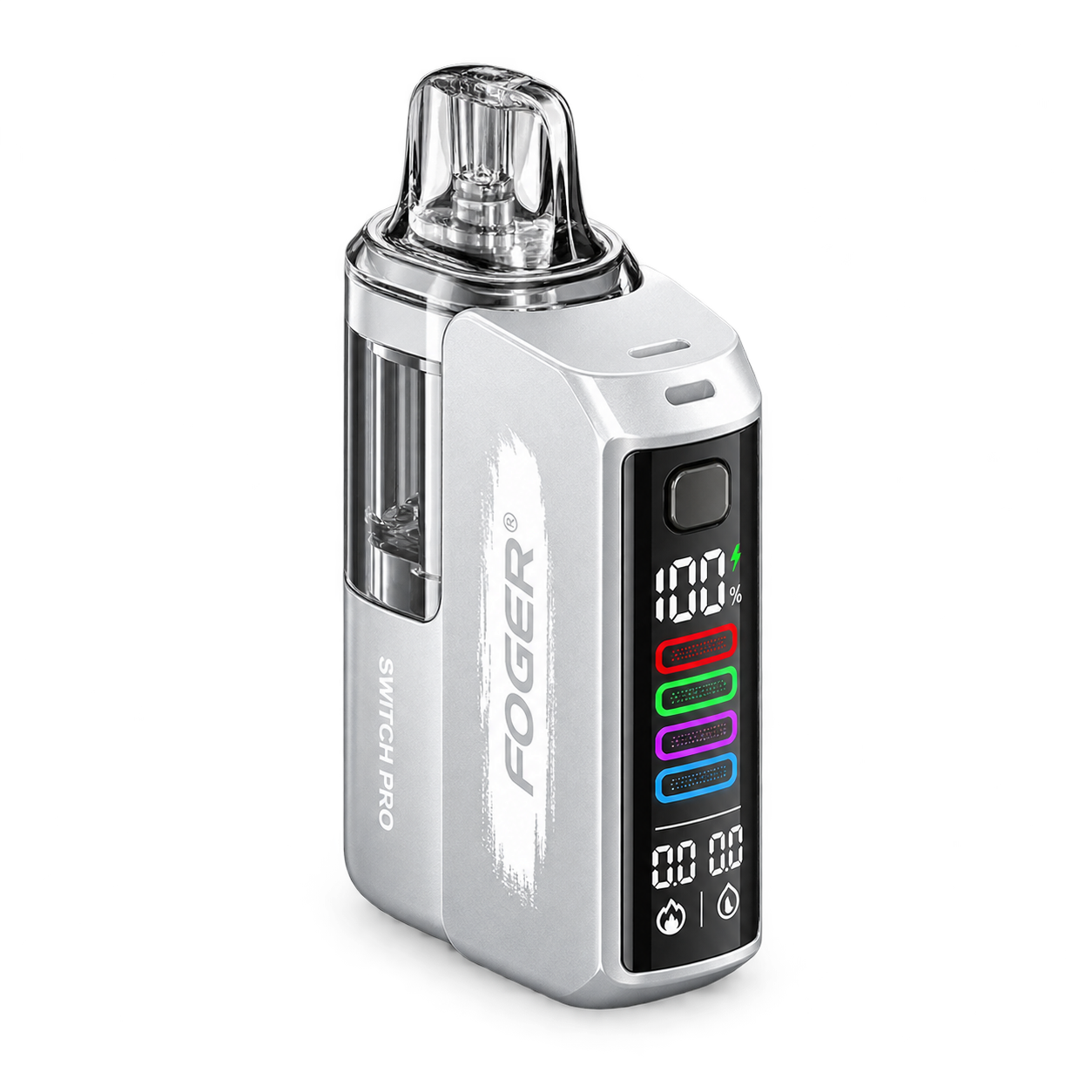 Switch Pro
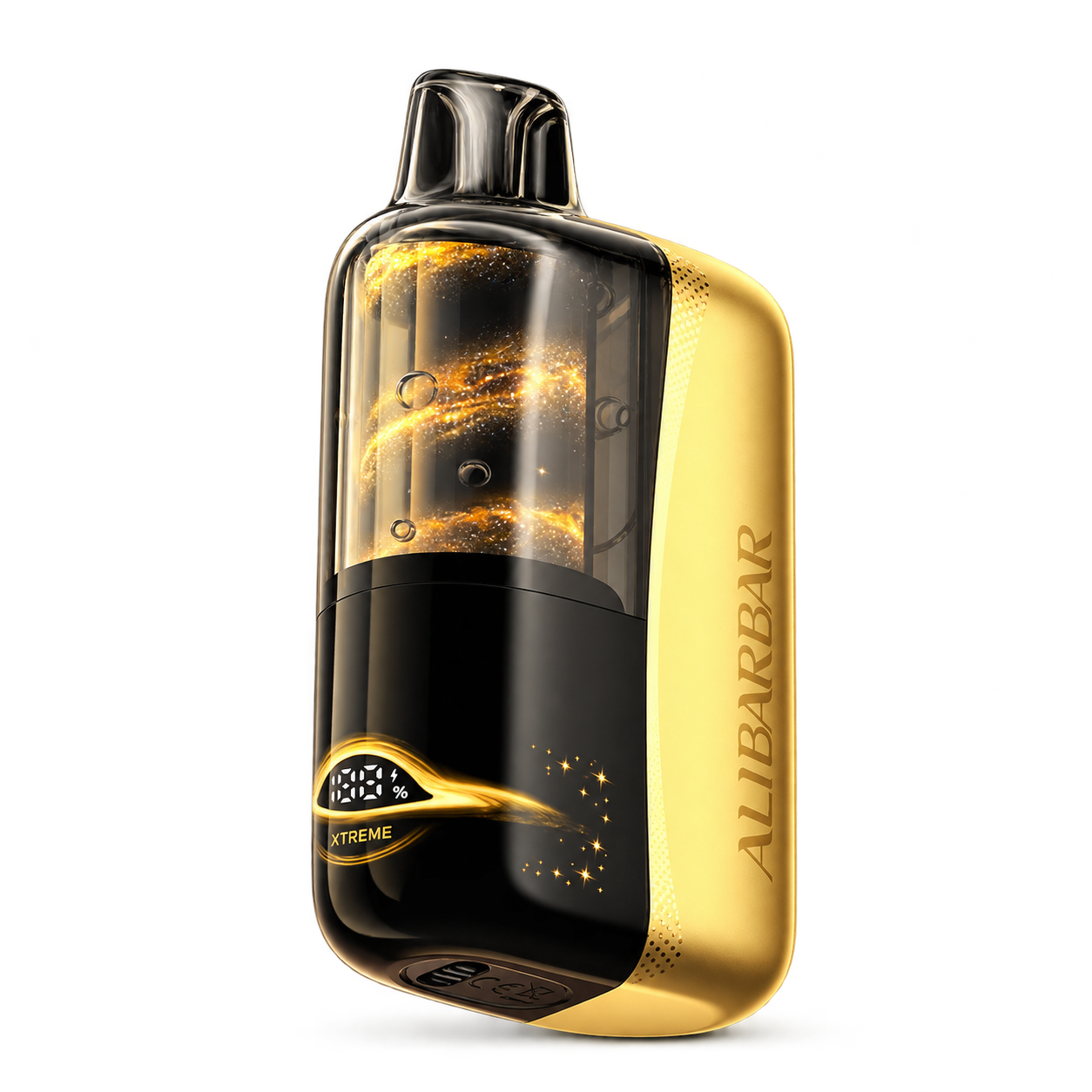 SWIRL
SWIRLStart with the domain, not a search advertisement
Open the manufacturer domain directly and confirm that the address is geekbar.com before entering a security code. Look-alike domains, marketplace listings and screenshots of a checker are not equivalent to the live official service.
Ecoguinea never asks visitors to submit package codes. The verification link on our product guides is a directional reference only.
Find the authentication label on the packaging
Use the label and instructions supplied with the actual package. Keep the complete model name visible while checking; color names alone are not reliable identifiers because visual treatments can vary across markets and production runs.
Treat the checker result as one piece of evidence
Enter the code once and read the response carefully. If the page reports previous checks, a mismatch or an unclear result, retain the packaging and contact the manufacturer or seller through a verified channel. Do not keep retrying the code on unrelated sites.
Compare the model presentation
After checking the code, compare the device silhouette, screen layout and printed model name with the relevant Geek Bar product guides. A visual match does not replace verification, but it can reveal an obvious model mismatch.