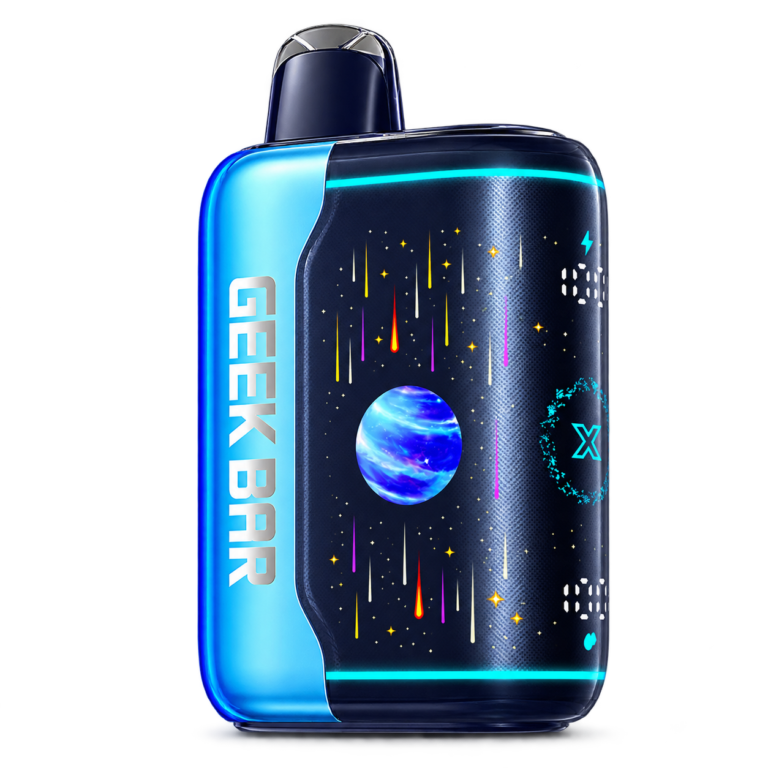
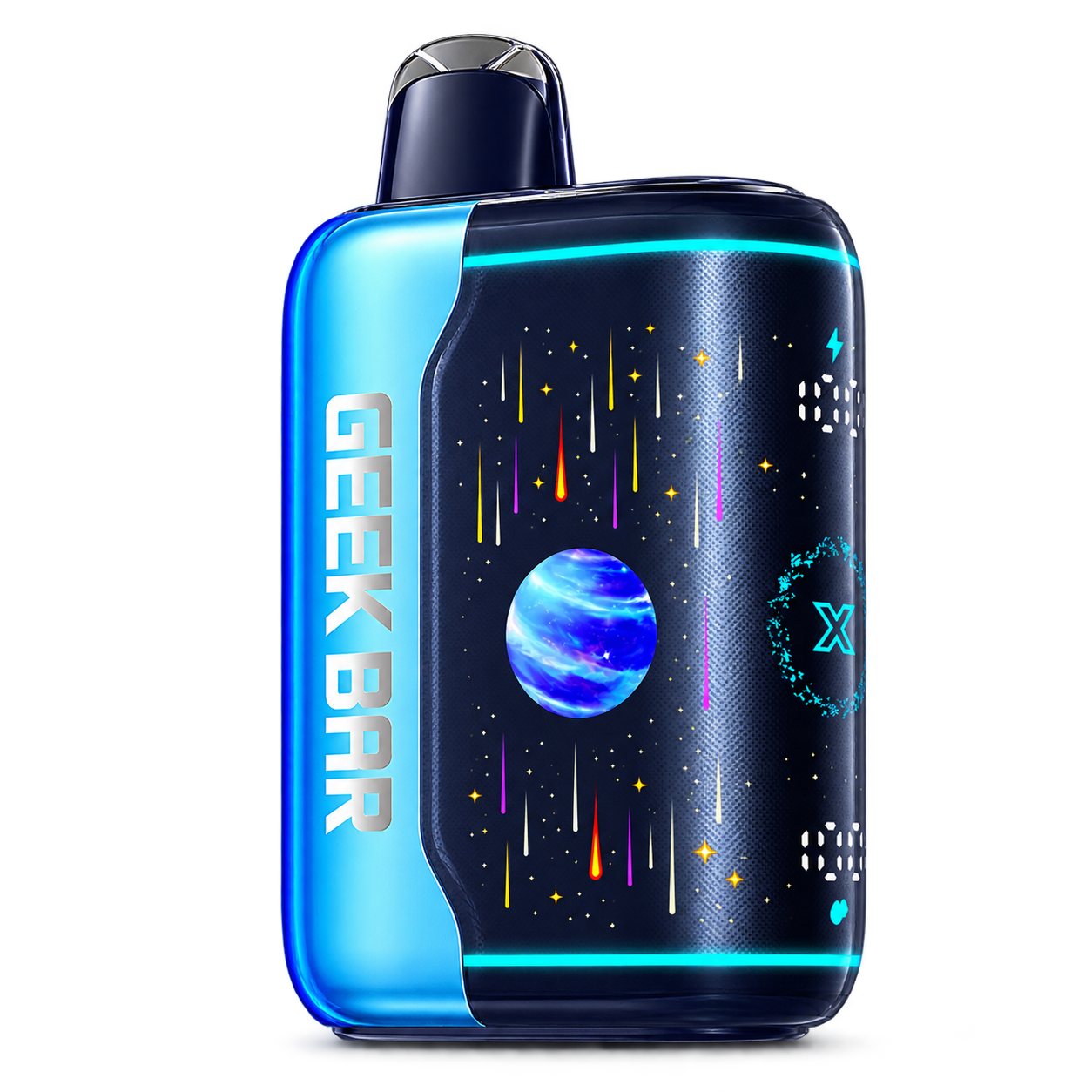
 PULSE X 2
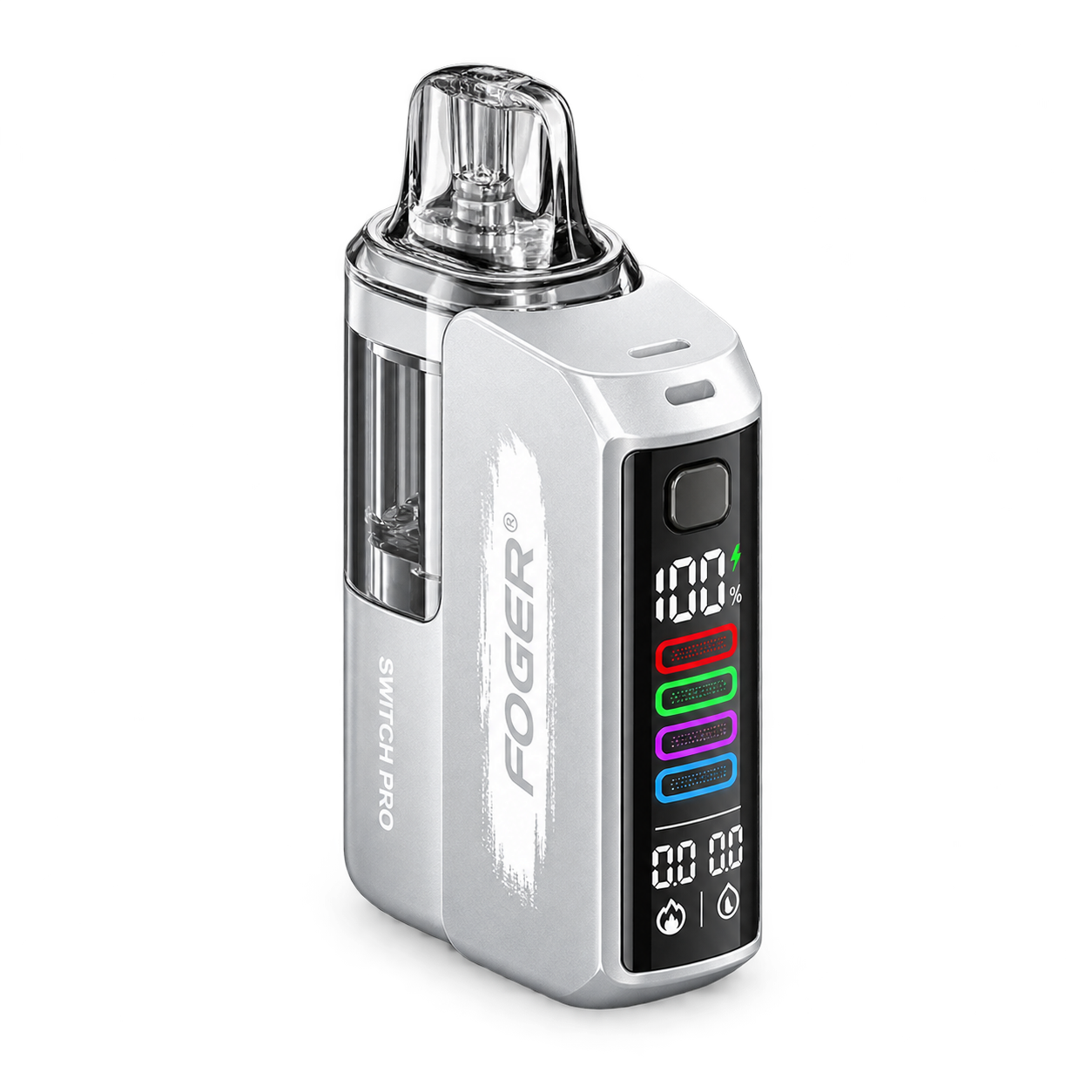 Switch Pro
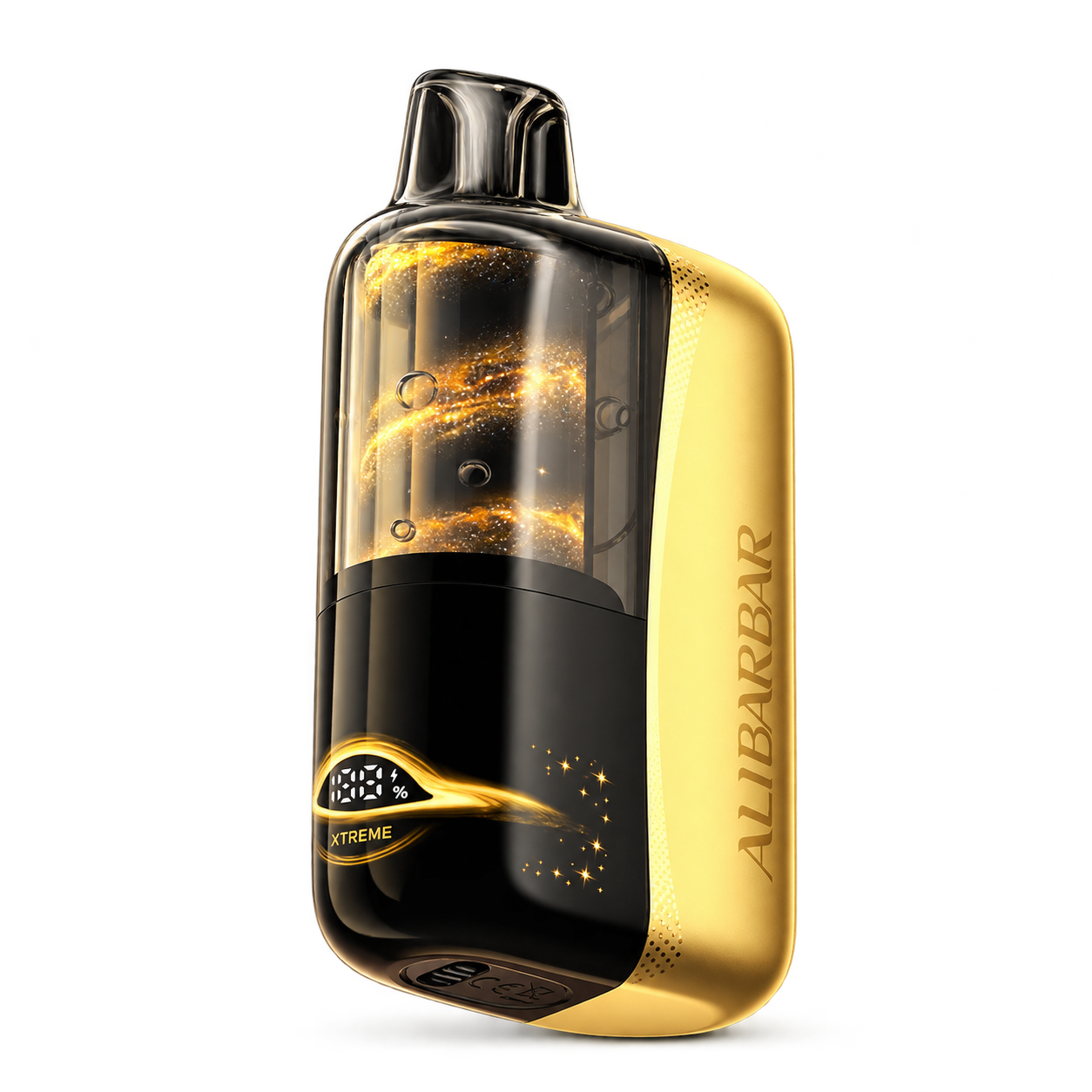 SWIRL
SWIRL
1. Record the complete model name
Photograph or write down the brand, full model name and visible package identifiers before opening a checker. Do not reduce the model to a colour or a puff-count number.
2. Confirm the official domain
Use geekbar.com, fogertech.com or alibarbar.com as the starting point. Avoid advertisements and similarly spelled domains when entering authentication data.
3. Use the package code only where directed
Scratch or scan the label according to the package instructions. Submit a security code only to the manufacturer’s current verification service. Ecoguinea does not collect or validate codes.
4. Retain the package and result
If the result is unclear, keep the package, purchase information and a record of the response. Contact the brand or seller through a verified channel rather than sharing the code publicly.
5. Use visual guides as a cross-check
Browse the product directory to compare model silhouettes and displays. A visual guide is useful for spotting mismatches, but it is not proof of authenticity.